

Nux B-3 Wireless MIC System
Most items ship within 24 hours. Any exception is noted on the listing.

Questions about this instrument?
Every one of us plays. Virtual demos available on request.
Description
How to operate?
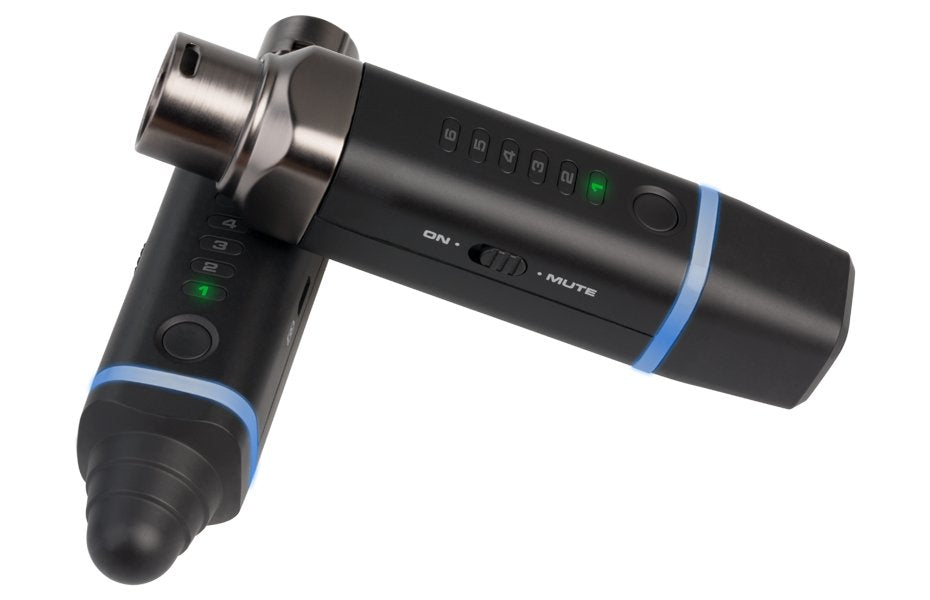
- Turn on the transmitter and the receiver
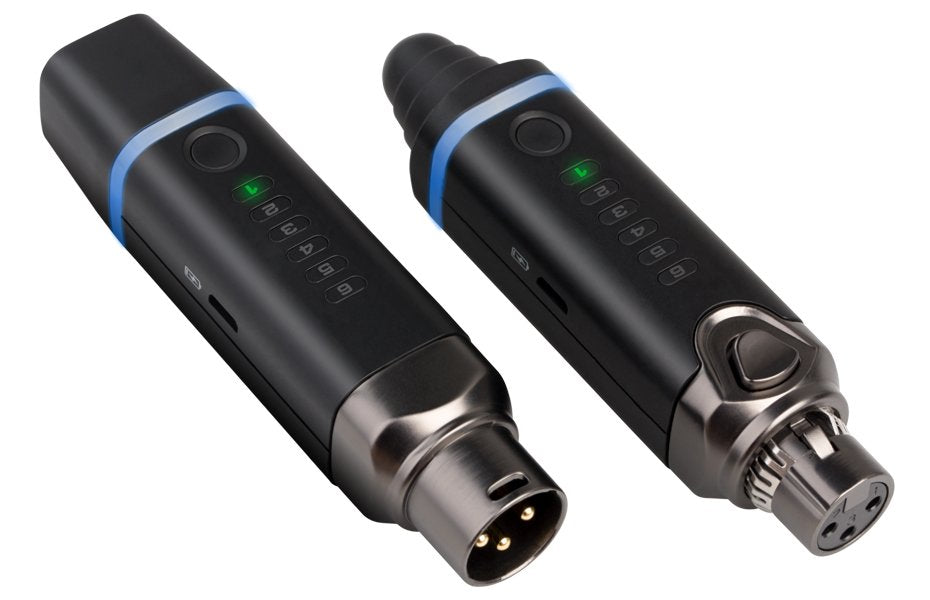
Channel 1 is the default pairing channel. If you want to use different channel, click the same channel number on both transmitter and receiver. When the blue status LED stop blinking, it's all set.
- Connect the transmitter to microphone and connect the receiver to a device you want to connect the microphone (amplifier, speaker, mixer, camera or mobile phone)
If you are using B3 to connect to a camera or a mobile phone, please use the converter cables.
- Pairing up and sound check
Please make sure the connected device is ON, and check the signal before you increase the volume.
- Battery check and charging
When you turn ON the B3 wireless system, channel numbers will start to flash. You can see how much power left from 1 to 6. You can use the Y USB cable (included the package) and connect to any computer or a 5V phone charger unit to charge it.
Specifications