
Table of Contents
- Free Guitar Tuner
- How to Use This Free Guitar Tuner (No Download Needed)?
- Step 1: Allow Microphone Access in Your Browser
- Step 2: Play One String at a Time Near Your Microphone
- Step 3: Read the Tuner Display — Flat, In Tune, or Sharp
- Step 4: Adjust Your Tuning Pegs and Repeat
- Standard Guitar Tuning: E A D G B e String-by-String Guide
- 6th String (Low E) — The Foundation of Your Tuning
- 5th String (A) Through 1st String (High e)
- How to Tune Up vs. Tune Down for Better Accuracy?
- Upgrade Your Setup: Our Top 5 Selling Tuners
- Alternate Guitar Tunings: Using This Free Guitar Tuner Beyond Standard
- Open D Guitar Tuning: Notes and How to Tune?
- Drop D Tuning for Acoustic Guitar?
- Why Does My Guitar Keep Going Out of Tune?
- What Is a 23-Point Guitar Setup?
- Frequently Asked Questions about our Free Guitar Tuner
- Acoustic Shoppe FAQ
Free Guitar Tuner — Tune Your Acoustic Guitar Online with Your Phone, Tablet, or Computer
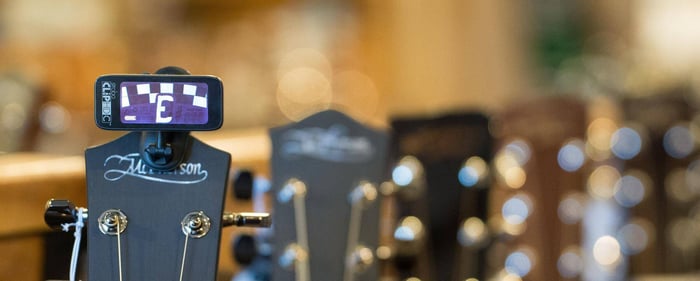 Try Our Free Guitar Tuner
Have you ever sat down to play your favorite song only to realize your strings sound a bit "off"? At The Acoustic Shoppe, we know that staying in tune is the first step to a great session. While we always recommend a professional-grade physical tuner for maximum accuracy, we’ve launched this free guitar tuner as a convenient, browser-based solution. It is a fantastic tool for beginners or any player who needs a quick pitch reference when their main gear isn't handy. This mic-based tuner helps you get "in the ballpark" so you can get back to what matters most: making music.
How to Use This Free Guitar Tuner (No Download Needed)?
Using our free online guitar tuner is designed to be as frictionless as possible. Because it runs directly in your browser, you don’t need to install any software or clutter your phone with apps. It serves as a handy "emergency" tool for those moments when you’re away from your workbench or just need a quick check before a casual practice session.
Step 1: Allow Microphone Access in Your Browser
When you first open the tuner, your browser will ask for permission to use your microphone. This is a standard security step. Our tool needs this access to "listen" to the vibrations of your acoustic guitar and provide a visual reading of your pitch. Simply click "Allow" to get started.
Step 2: Play One String at a Time Near Your Microphone
For the most reliable reading from our free guitar tuner, try to find a quiet spot. Pluck a single string clearly and let the note ring. If you are on a laptop or smartphone, position the soundhole of your guitar—like your favorite [Link to a relevant product, e.g., Eastman PCH Series]—close to the device's built-in microphone for better signal detection.
Step 3: Read the Tuner Display — Flat, In Tune, or Sharp
The interface is straightforward, making it ideal for first-time players:
Flat: The needle is to the left; your string is too low.
Sharp: The needle is to the right; your string is too high.
In Tune: The indicator centers and usually changes color to confirm you've hit the mark.
Step 4: Adjust Your Tuning Pegs and Repeat
Slowly turn your tuning peg to reach the target pitch. Because this is a free online guitar tuner relying on your device's microphone, we recommend checking the note twice to ensure the browser has captured the pitch correctly. Once you've gone through all six strings, your guitar should sound significantly better!
Standard Guitar Tuning: E A D G B e String-by-String Guide
Standard tuning (EADGBE) is the baseline for almost every song you'll learn. Whether you are playing a classic [Link to a relevant product, e.g., The Martin D-28] or a modern parlor guitar, these are the notes you need to know.
| String | Note | Position |
| 6th String | E | Thickest string (Low E) |
| 5th String | A | Second thickest |
| 4th String | D | Middle string |
| 3rd String | G | Middle string |
| 2nd String | B | Second thinnest |
| 1st String | e | Thinnest string (High e) |
6th String (Low E) — The Foundation of Your Tuning
The Low E string is the anchor of your guitar's sound. It provides the deep, resonant bass that drives your chords. Getting this string right is crucial, as it exerts the most tension on the neck of your instrument.
5th String (A) Through 1st String (High e)
Work your way down from the A string to the high e. Be gentle with the thinner strings—especially the G and high e—as they require smaller adjustments to change pitch. Our free online guitar tuner is a great way to familiarize yourself with these intervals.
How to Tune Up vs. Tune Down for Better Accuracy?
Here is a fundamental tip: always tune up to the note. If your string is sharp (too high), tune it down below the target pitch first, then slowly tighten it back up until the tuner shows you are in tune. This ensures the string doesn't slip later, providing much better stability while you play.
Upgrade Your Setup: Our Top 5 Selling Tuners
While a browser-based tool is great for convenience, serious players move to dedicated hardware for professional precision and better performance in noisy rooms. Here are the top-selling tuners at The Acoustic Shoppe:
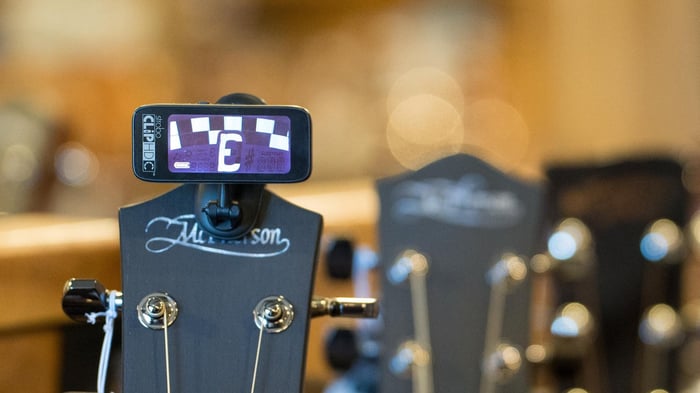
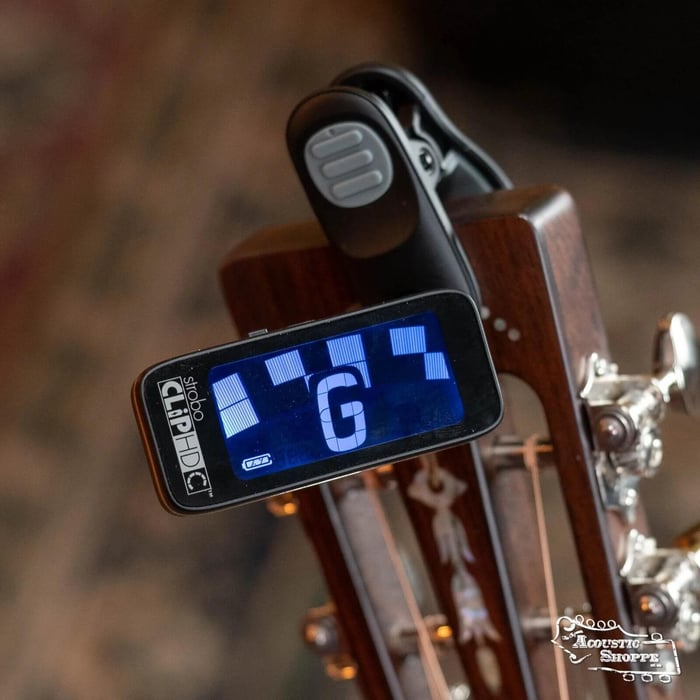
Peterson StroboClip HDC High-Definition Color Rechargeable Clip-On Tuner: The ultimate in accuracy. The high-def color screen makes strobe tuning easier than ever.
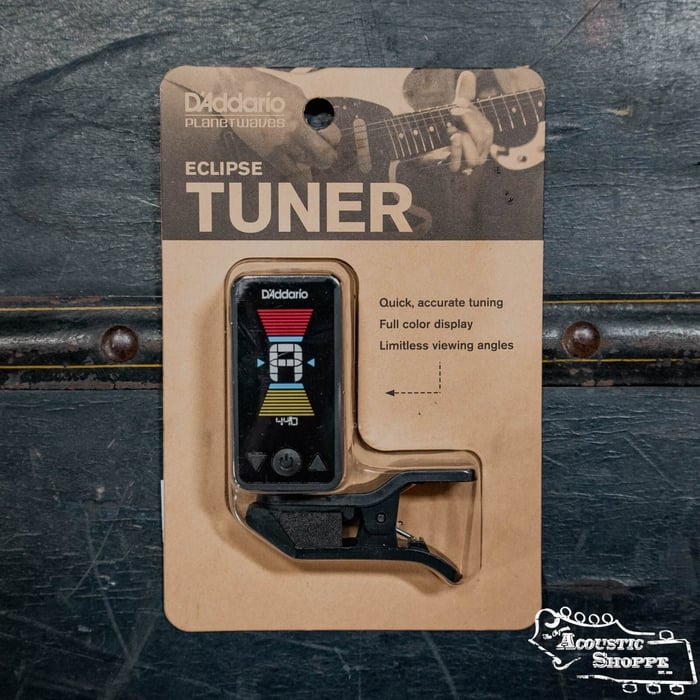
D'Addario Eclipse Headstock Tuner: Affordable, fast, and accurate. The go-to choice for a reliable everyday tuner.
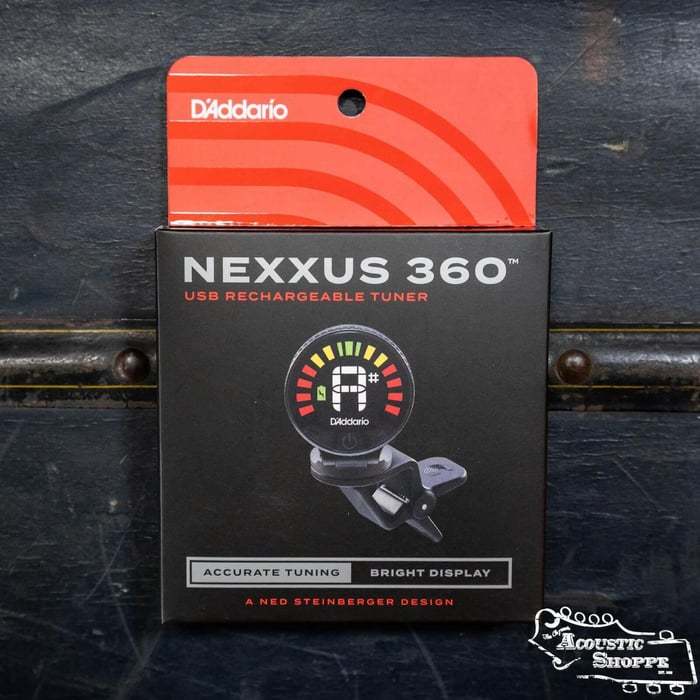
D'Addario Nexxus 360 Rechargeable Tuner: No more batteries! This rechargeable unit offers a 360-degree rotating screen for the perfect viewing angle.
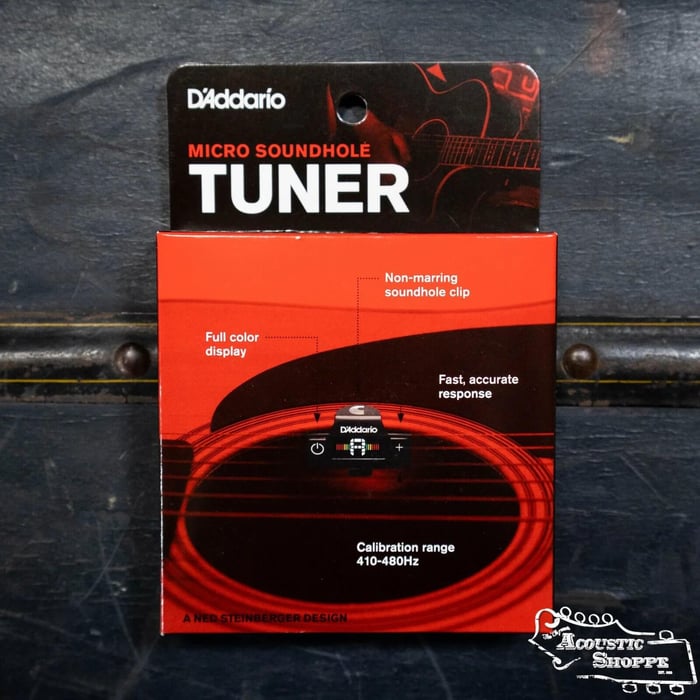
D'Addario PW-CT-15 Micro Soundhole Tuner: Designed specifically for acoustics, this hides inside your soundhole for a completely discreet look.
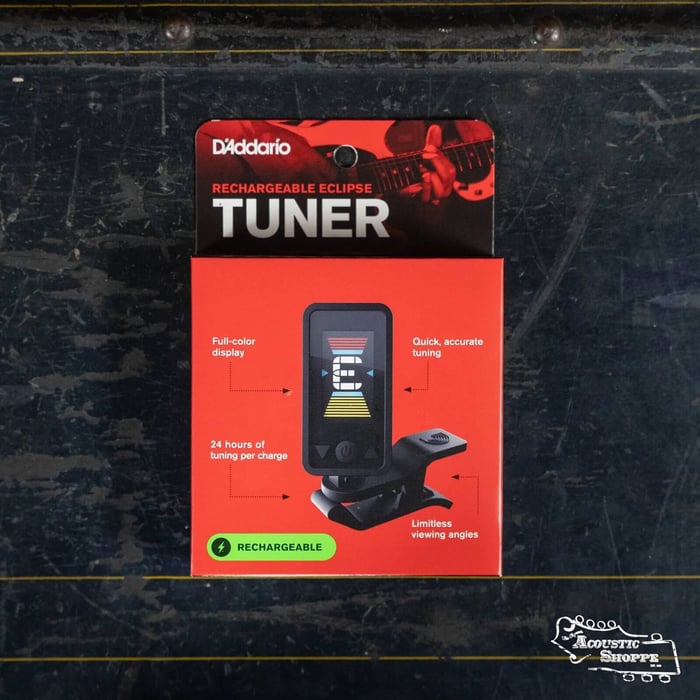
D'Addario Eclipse Rechargeable Tuner: All the speed of the Eclipse series with the modern convenience of USB charging.
Alternate Guitar Tunings: Using This Free Guitar Tuner Beyond Standard
Once you’ve mastered the basics, you might want to explore the rich world of alternate tunings. A chromatic free online guitar tuner can help you explore these new sounds.
Open D Guitar Tuning: Notes and How to Tune?
Open D (D-A-D-F#-A-D) gives your guitar a massive, open sound. It is a favorite for blues and slide guitar. Simply use the tuner to adjust each string to these specific notes.
Drop D Tuning for Acoustic Guitar?
Drop D is the simplest alternate tuning. You only change the 6th string, dropping it from E down to D. This gives you a deep, "dropped" bass note that sounds fantastic.
Why Does My Guitar Keep Going Out of Tune?
If you find yourself using the free online guitar tuner every five minutes, your guitar might need some attention:
Old Strings: Strings lose their ability to hold tension over time.
Humidity Changes: As an acoustic instrument made of wood, your guitar expands and contracts. Learn more in our [Link to a related blog post, e.g., 'Acoustic Guitar Humidity Guide'].
Nut Binding: Sometimes the string gets stuck in the nut slot. A professional setup can fix this instantly.
What Is a 23-Point Guitar Setup?
At The Acoustic Shoppe, we pride ourselves on our 23-point setup. We check everything from nut height to bridge stability. This ensures that when you use your tuner, the guitar actually stays in tune across the entire fretboard. Dread-Not Play-Ready Certified: 23-Point Inspection
Frequently Asked Questions about our Free Guitar Tuner
Is the Free Guitar Tuner as accurate as a clip-on tuner?
Browser-based tuners are excellent for convenience and beginners, but they can be affected by room noise and your device’s microphone quality. For professional accuracy, we recommend a dedicated [Link to our main Tuner collection page].
Why won't the tuner hear my guitar?
Make sure you have granted microphone permissions in your browser and that you are in a quiet environment. If the room is too noisy, the tuner may struggle to isolate your guitar's pitch.
Ready to find your perfect pitch? Explore our full selection of high-precision tuners and acoustic instruments today.
Peterson StroboClip HDC High-Definition Color Rechargeable Clip-On Tuner

$79.99
SPECS Accuracy: 0.1 Cents Battery Type: Lithium-Ion Built-In Microphone: No Microphone - Piezo Pick-up Built-In Speaker: No Concert A Range: 390Hz to 490Hz Construction: Plastic DI: No Display Resolution: 173 Segments (90 in Ring 1, 83 in Ring 2) Display… Learn more...
Acoustic Shoppe FAQ
How accurate is a free online guitar tuner compared to a clip-on tuner?
While our free online guitar tuner is highly convenient for beginners and quick checks, it relies on your device’s internal microphone. For professional-grade precision, especially in noisy environments, we recommend a dedicated vibration-based tuner like the Peterson StroboClip HDC.
Do I need to download an app to use this guitar tuner?
No download is required. This is a browser-based tool that works instantly on Safari, Chrome, and Firefox, making it a perfect no-install solution for tuning on your phone or laptop.
Why is the online tuner not picking up my guitar’s sound?
This is usually due to microphone permissions. Ensure you have clicked "Allow" when prompted by your browser. Additionally, make sure you are in a quiet room and that your guitar’s soundhole is close to the device microphone.
Can I use this online tuner for an electric guitar?
Yes, but since it relies on a microphone, you will need to play your electric guitar through an amp or be in a very quiet room so the microphone can hear the unplugged strings. For electric players, a pedal tuner is generally the best long-term choice.
Does this tuner work for alternate tunings like Drop D or DADGAD?
Absolutely. This is a chromatic tuner, meaning it can detect all 12 notes of the chromatic scale. You can use it to tune to any note, not just the standard EADGBE strings.
Is it better to tune up to a note or tune down to it?
You should always tune up to a note. If your string is sharp (too high), tune it down below the target pitch and then slowly tighten it back up. This prevents string slippage and keeps your acoustic in tune longer.
Why does my acoustic guitar go out of tune so quickly?
Common culprits include old strings, extreme changes in humidity, or a nut that needs lubrication. If your guitar won't stay in tune, it may benefit from our professional 23-Point Guitar Setup.
What does "A440" mean on a guitar tuner?
A440 is the universal pitch standard where the note A above middle C vibrates at 440 Hz. Our free online guitar tuner is calibrated to this standard to ensure you are in tune with other musicians and recordings.
Can I use this tool to tune a ukulele or bass guitar?
Yes! Because this is a chromatic mic-based tuner, it will detect the pitch of any acoustic instrument, including ukuleles, bass guitars, and mandolins.
Do I need a special microphone for high-accuracy tuning?
For a quick session, your smartphone or laptop's built-in mic is sufficient. However, for the most stable and accurate reading, a dedicated hardware tuner like the D'Addario Nexxus 360 is recommended as it detects vibrations directly from the wood.